01
Find the videos.
Scan the client site and see what AI is missing.
Find the client videos AI can’t interpret yet. Then deliver the code that makes every one of them citable.
See which videos AI can’t interpret yet.
Video on the page.
AI sees the title. Not what happens inside.
Code on the same page.
Exact words, people, products, moments, and company context.
In about 10 minutes of your time, Framesite can build the client pitch from those same videos, then keep processing, delivery, and install in one place.
You do not need new creative or a new URL. Framesite turns the useful detail inside that video into code you can sell, deliver, and install under your brand.
 ▶
▶ Framesite code
Built from the video and company context.
READY TO INSTALLTheir own portal, on your domain.
Illustrative product catalog
Illustrative footage
Example field test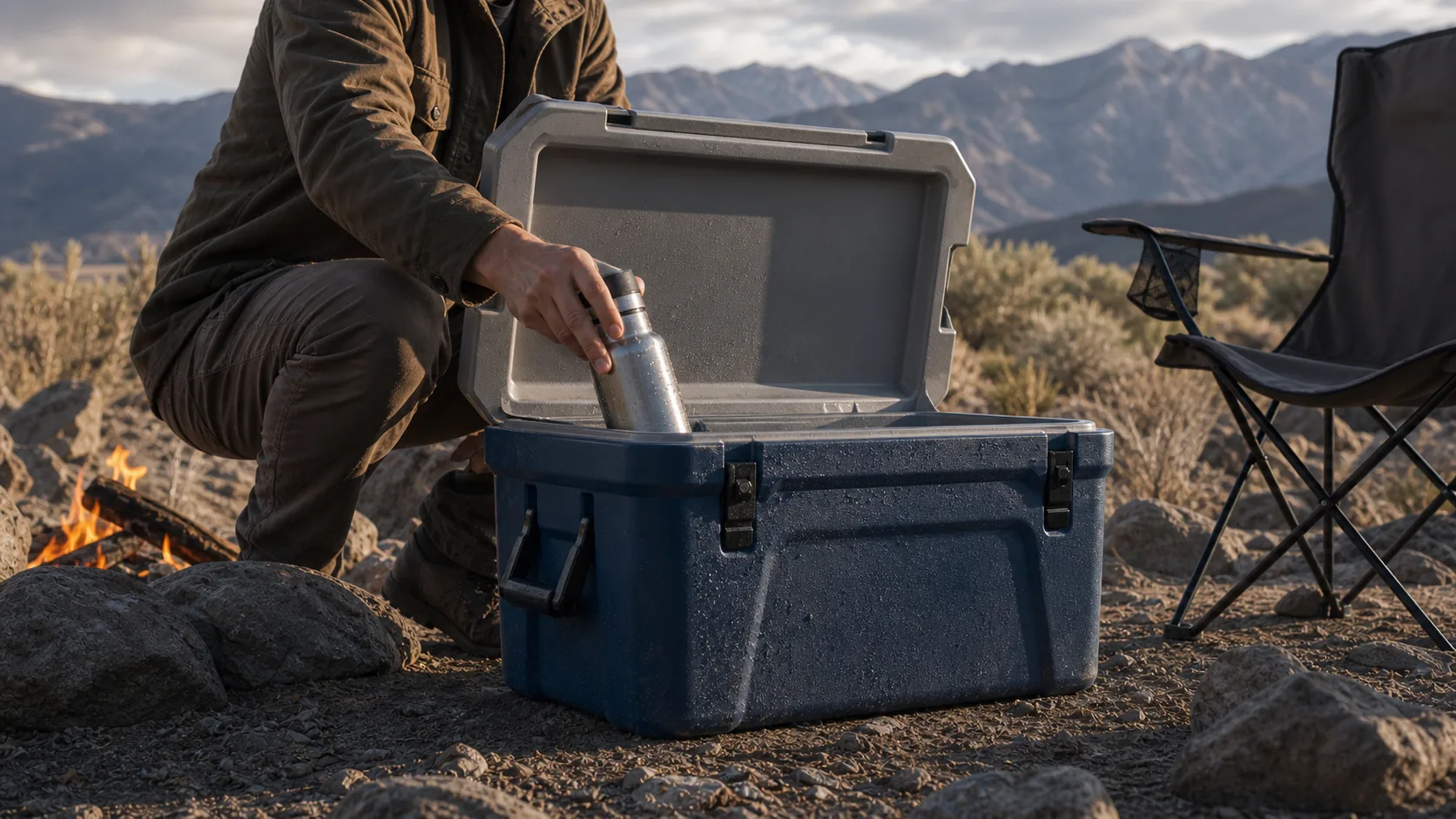
Carry-on fit
Illustrative question themeIce retention
Illustrative question themeIllustrative footage
Example camp kitchen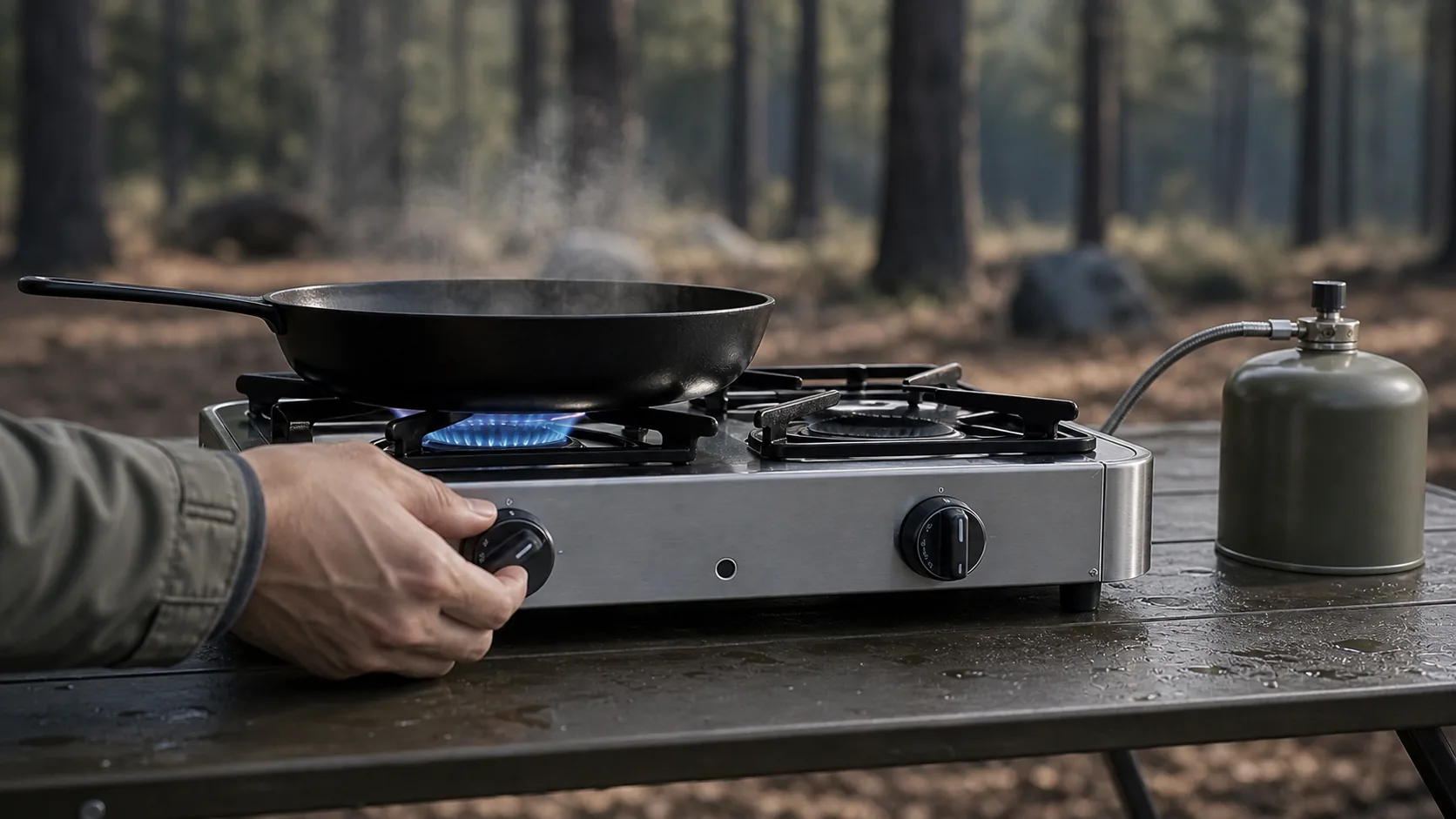
Wind performance
Illustrative question themeFuel compatibility
Illustrative question themeIllustrative footage
Example trail shoot
Rain protection
Illustrative question themeWeekend capacity
Illustrative question themeIllustrative footage
Example night setup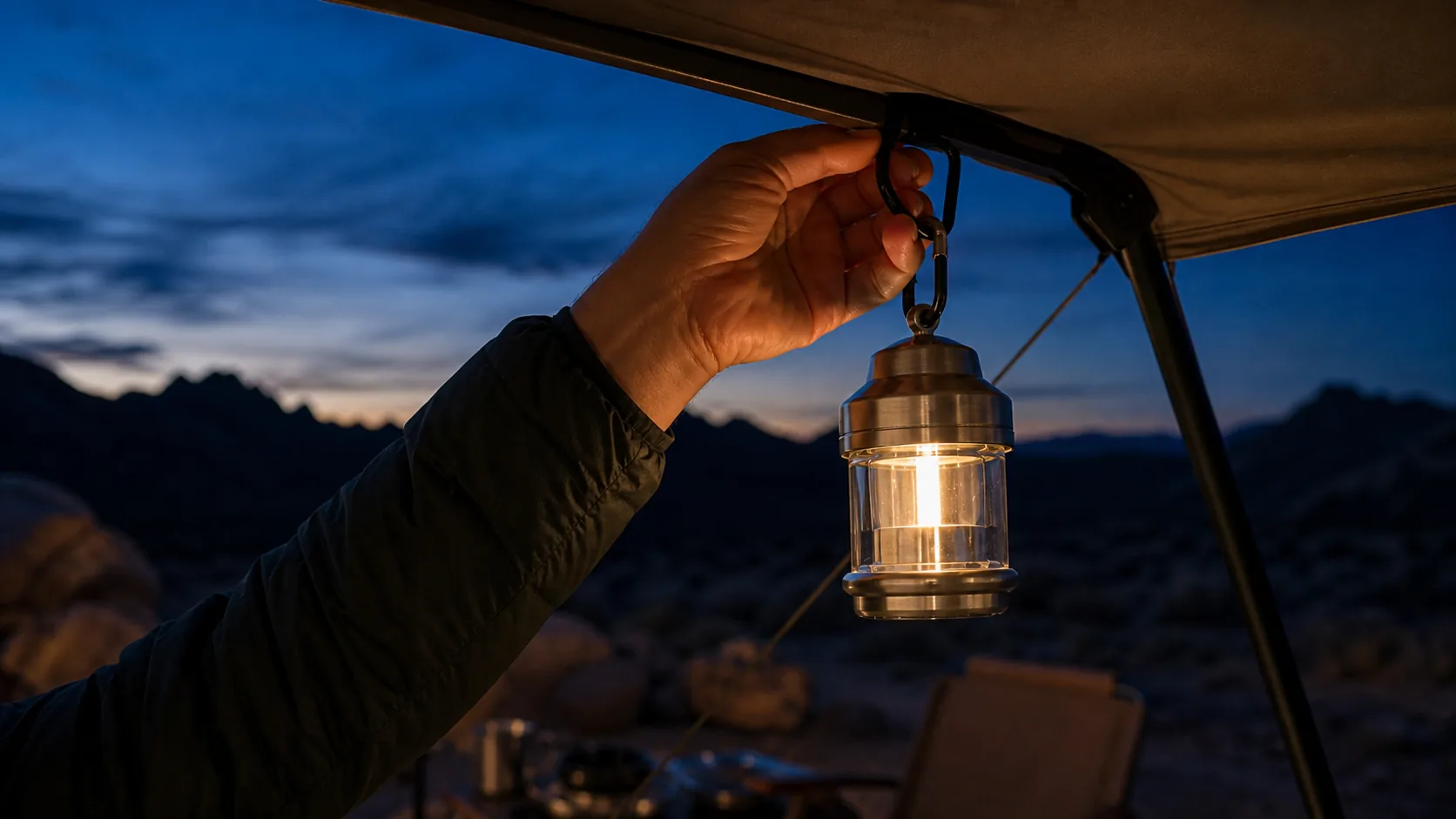
Runtime
Illustrative question themeTent setup
Illustrative question themeIllustrative channel insights
Group public source moments by product.
Keep repeated questions linked to their sources.
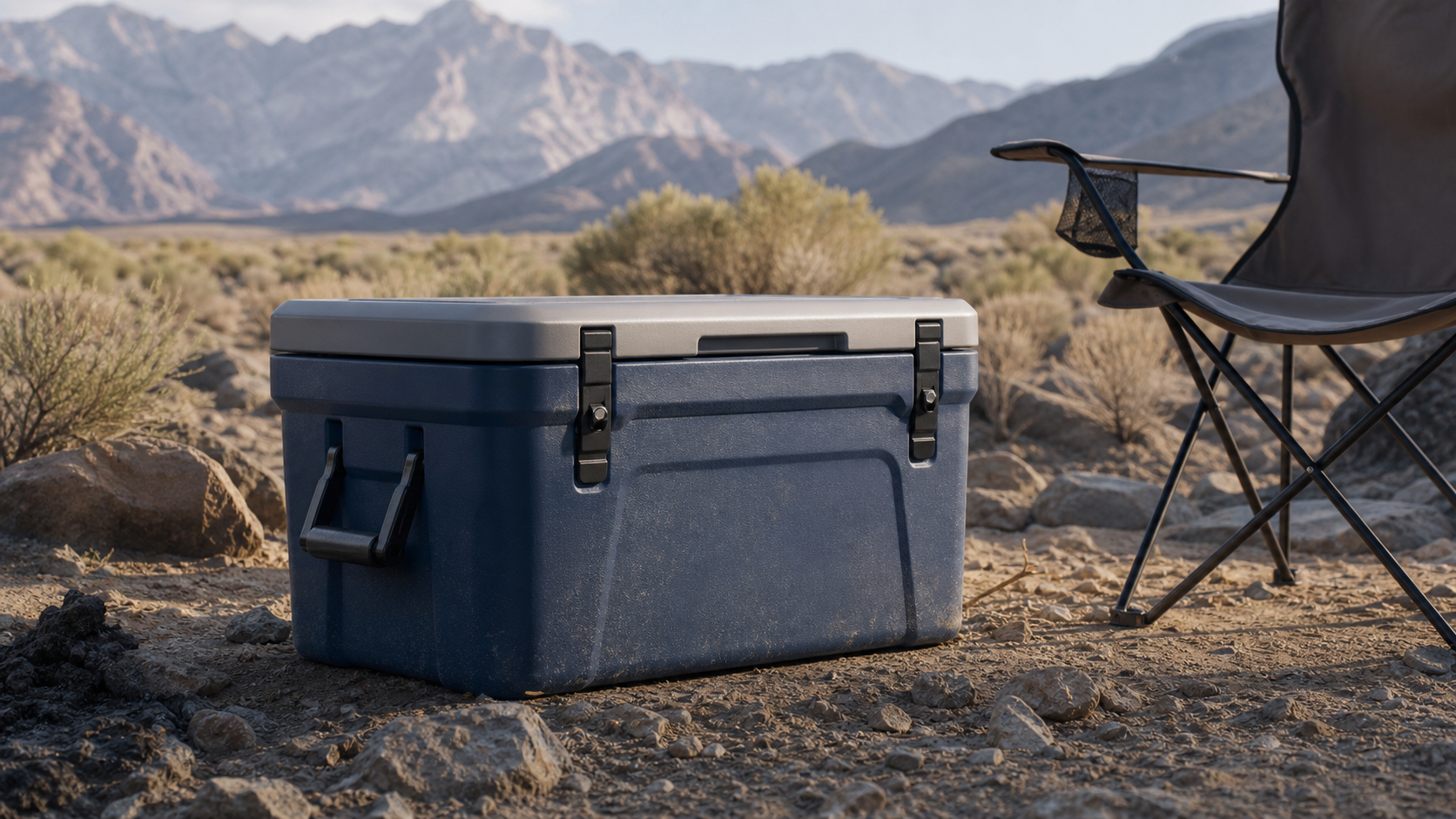 Cooler demoIllustrative product momentEXAMPLE
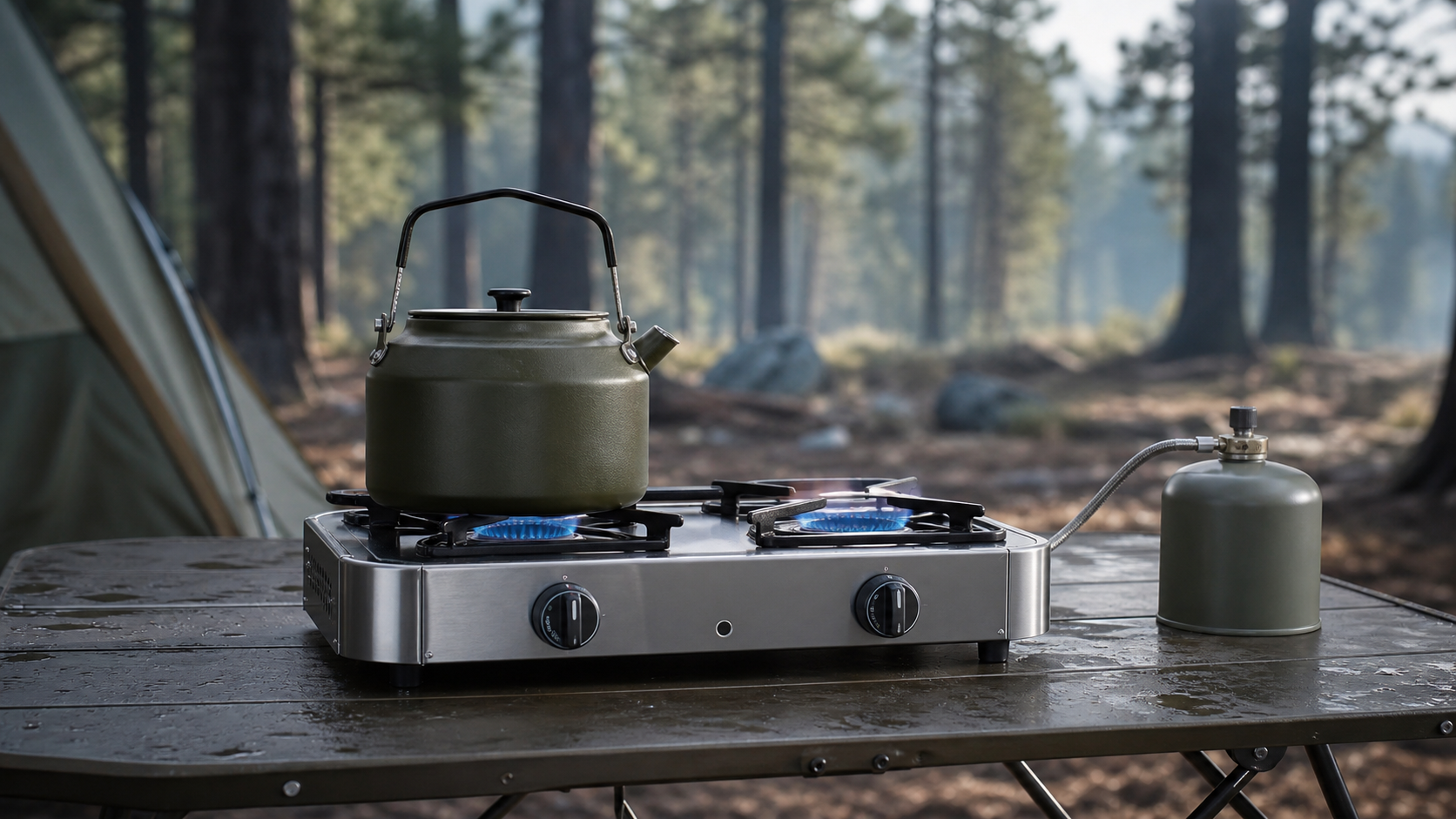 Camp stove demoIllustrative product momentEXAMPLE
 Duffel demoIllustrative product momentEXAMPLE
 Lantern demoIllustrative product momentEXAMPLE
Illustrative opportunities
A demo of the questions that can become your next pages.
Illustrative delivery
Illustrative assistant
What should we answer next?
Start with the carry-on question. Framesite links a real question to its approved source before it becomes page copy.
What will the client see?
Only the product, source facts, and delivery views the agency approves.
You decide what this client sees. Try it:
A separate body of knowledge per client, and it only gets deeper.
Scanned from their site, with images.
Week oneEach product matched to the exact second it appears.
OngoingPublic comments attached to the product they are about.
Every refreshOne memory per client. The next page starts from it.
CompoundsScan the client site and see what AI is missing.
Review the exact words, people, products, moments, and company context.
Give the client the code and the install path that fits their site.
The deliverable is the code. Use the connection that fits the site.
FRAMESITE CODE"name": "Think inside the box", "startOffset": 18.416Your job is to choose the client and videos, review the source facts Framesite finds, and approve the delivery. Framesite handles the transcript, page context, structured code, and install package. If you manage the site, install from Pitch & Deliver. If you do not, let the client authorize and install from the handoff. You stay in control without becoming the person rebuilding every page.
Pitch the outcome first: help the ideas, products, and expertise inside the client's existing videos become answers AI search can find and understand. Framesite scans the client's site to show which valuable videos AI can see only as players and where the context is missing. Pitch & Deliver turns that scan into a branded client page with the gap, an example delivery, scope, and rollout plan. You can also share our research on video and AI search when a client wants the why. Start with the backlog, then make every new video part of the ongoing delivery.
Yes. White label is available for managed agency rollouts. Connect a subdomain such as clients.youragency.com and apply your agency branding. Client pitch, delivery, and install links then use your domain without Framesite appearing in the client experience. That includes client self-install: the client can authorize the site and install from your branded link.
No. A transcript is the spoken text in order. Framesite keeps the exact words and timestamps connected to the source, then adds the people, products, visual moments, and company context you review. It turns that into page code AI can use, with source facts, clip links, and structured answers. A transcript tells you what was said. The delivery explains what matters, where it happened, and how it belongs on the client's page.
After you approve and deliver it, choose who installs. If you manage the site, install from your agency workspace. If you do not, enable client install so the client can authorize and install from the branded handoff. WordPress and HubSpot support direct accepted-page installation. Webflow, Wix, Shopify, BigCommerce, Squarespace, NetSuite, and headless or custom sites use platform-specific instructions, the Read API, a signed webhook, bulk CSV, or copy and paste. The code is always available to copy.
This is a value lever on their entire existing content stack. Every review, tutorial, and campaign film a client has already produced can be interpreted into page-ready code that makes that library a knowledge source for the popular LLMs, with citations that point back to the client's own pages. Nothing gets reshot, moved, or redesigned: scan the current site or archive, pick the highest-value videos, and enrich the pages they already live on. Framesite processes video at 5 to 8 times playback speed, so a client's existing backlog is usually a matter of days, not months. That turns the countless hours they have already produced into a backlog project you can sell now, and every new video joins the same ongoing delivery.